
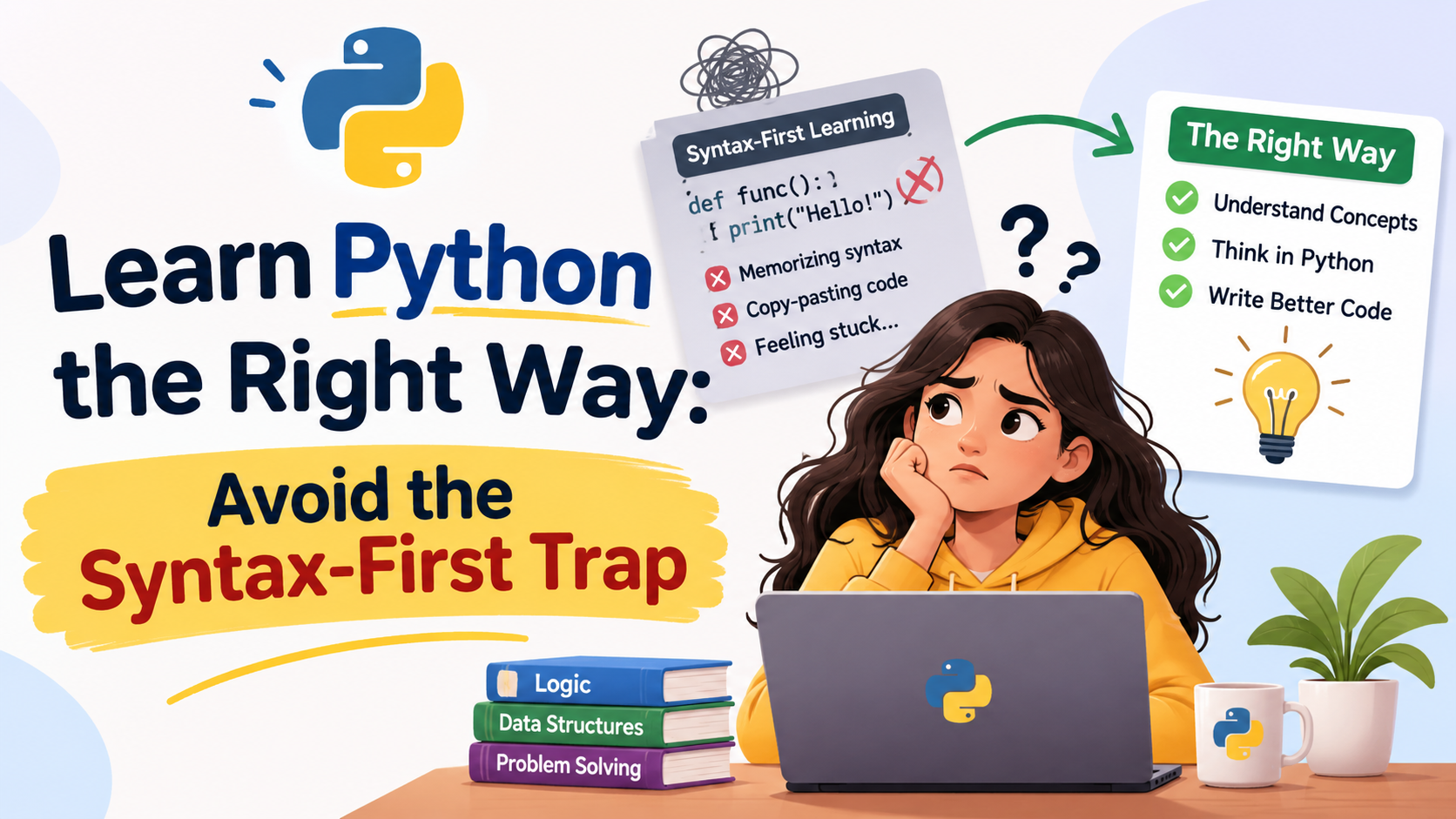
Most beginners quit Python for one reason: they start with the rulebook instead of the game. They open a tutorial, copy out for loops, if statements and function definitions for weeks, and then freeze the moment they face a blank screen. If that sounds like you, nothing is wrong with your brain. You have fallen into the syntax-first trap, and the way out is simpler than you think.
In this guide you will see what the trap is, why it keeps so many learners stuck, and a four-step method that gets you writing real programs in your first week.

What is the syntax-first trap?
Syntax is just the spelling and grammar of a programming language: where the colons go, how indentation works, what a loop looks like. The trap is believing you must master all of it before you build anything.
Think about learning to cook. You could memorise the names of fifty knives, forty spices and every cooking verb in a dictionary. But you would still not know how to make dinner. Real cooks learn by making a simple dish, burning it once, and trying again. Programming works the same way.
Here is why the syntax-first route fails:
- Recognising is not the same as producing. Reading
print("Hi")in a lesson feels easy. Typing it from a blank screen is a different skill, like understanding a French sentence versus speaking one. - Forgotten fast. Facts with no purpose attached fade within days. A loop you used to fix a real problem sticks for years.
- No payoff. Weeks pass with nothing to show, so motivation drains and you blame yourself.
Projects keep you moving; memorising alone ends at a blank screen

The top path piles up rules with nothing to apply them to. The bottom path ties every rule to a goal, so it ends in something that runs.

The project-first method in four steps
- Pick a tiny goal you care about. Splitting a restaurant bill, renaming a folder of photos, or tracking your monthly spending are all good. If the result is useful to you, you will keep going.
- Learn only the pieces that goal needs. For a bill splitter you need variables, numbers and
print. Nothing else. Skip classes and decorators for now. - Write ugly code that works. Run it, watch it break, read the error message. Errors are not failures; they are Python telling you exactly where to look.
- Improve it one small step at a time. Add tip support, round the result, let the user type values. Each upgrade teaches one new idea in context.

Steps one to three happen once. After that you stay in the loop, learning a new piece only when an upgrade demands it.
A good rule is two weeks of basics at most, then straight into a small project. You will pick up the rest on demand, the same way working programmers do every day.
Example: a bill splitter in six lines
Imagine you and three friends finish dinner and want to split the bill with a 10% tip. Here is the whole program:
bill = float(input("Total bill: "))people = int(input("How many people? "))tip = bill * 0.10total = bill + tipeach = total / peopleprint("Each person pays:", round(each, 2))
In plain words:
input()asks the user a question. It always hands back text, sofloat()andint()turn that text into numbers.- A variable such as
billis just a labelled box that holds a value. bill * 0.10works out 10% of the bill.*means multiply and/means divide.round(each, 2)trims the answer to two decimal places, like real money.
Try it with a bill of 1200 and 4 people. You get 330.0 each. Without memorising a single rule list, you have just used variables, input, type conversion, arithmetic and output.
Mistakes to avoid and quick tips
- Tutorial hopping. Watching a fifth course feels productive but teaches little. Finish one, then build.
- Copy-pasting without typing. Type every line yourself. Your fingers learn what your eyes skip.
- Fearing error messages. Read the last line first; it usually names the problem and the line number.
- Using AI to skip the thinking. Ask it to explain why your code broke, not to write the whole thing for you.
- Skipping practice on bad days. Twenty minutes daily beats a five-hour weekend binge.

Practice exercises
Try each one on your own before you look at the answers.
- Write a program that asks for your name and prints
Hello, <name>!. - Without running it, what do
"5" + "3"and5 + 3give? - This code crashes. Why, and how do you fix it?
age = input("Age: ")print(age + 1)
4. Write a program that converts 25 degrees Celsius to Fahrenheit using F = C * 9 / 5 + 32. What does it print?
5. Change the bill splitter so the user types the tip percentage instead of it being fixed at 10%.
6. In one sentence, explain why reading a tutorial is not the same as being able to code.
Exercise answers
name = input("Your name: ") print("Hello, " + name + "!")"5" + "3"gives"53"because quotes make them text, and text is joined together.5 + 3gives8.input()returns text, and Python cannot add text and a number, so it raises aTypeError. Convert first:age = int(input("Age: ")), thenprint(age + 1).c = 25 f = c * 9 / 5 + 32 print(f)It prints77.0, because 25 * 9 / 5 is 45 and 45 + 32 is 77.- Add
tip_percent = float(input("Tip %: "))and change the tip line totip = bill * tip_percent / 100. - Reading shows you finished code, but writing forces you to recall and combine ideas yourself, and only that practice builds the skill.
Conclusion
You do not need to know all of Python to start. You need one small problem, a handful of basics, and the patience to fix your own mistakes. Spend two weeks on fundamentals, build something tiny this week, and let each project pull in the next idea you need. Syntax will follow, because you will use it every day. Pick your first project today and write its first line before you close this page.



Leave a Reply