

Whenever we install a Python library, module, or software, we often see a progress bar on the screen, indicating how long the process might take to complete. This visual cue not only provides an estimate of the remaining time but also reassures us that the process is ongoing, which can be quite calming. Progress bars come in various designs, some are eye-catching, while others are more utilitarian.
In this article, we’ll explore how to create progress bars without relying on Python’s core logging library.
Progress bars typically fill up based on the percentage of a task that has been completed. This can be calculated by dividing the number of items processed by the total number of items. Several factors, such as network speed, latency, and the process of saving data to local storage, can influence the accuracy of the Estimated Time of Arrival (ETA).
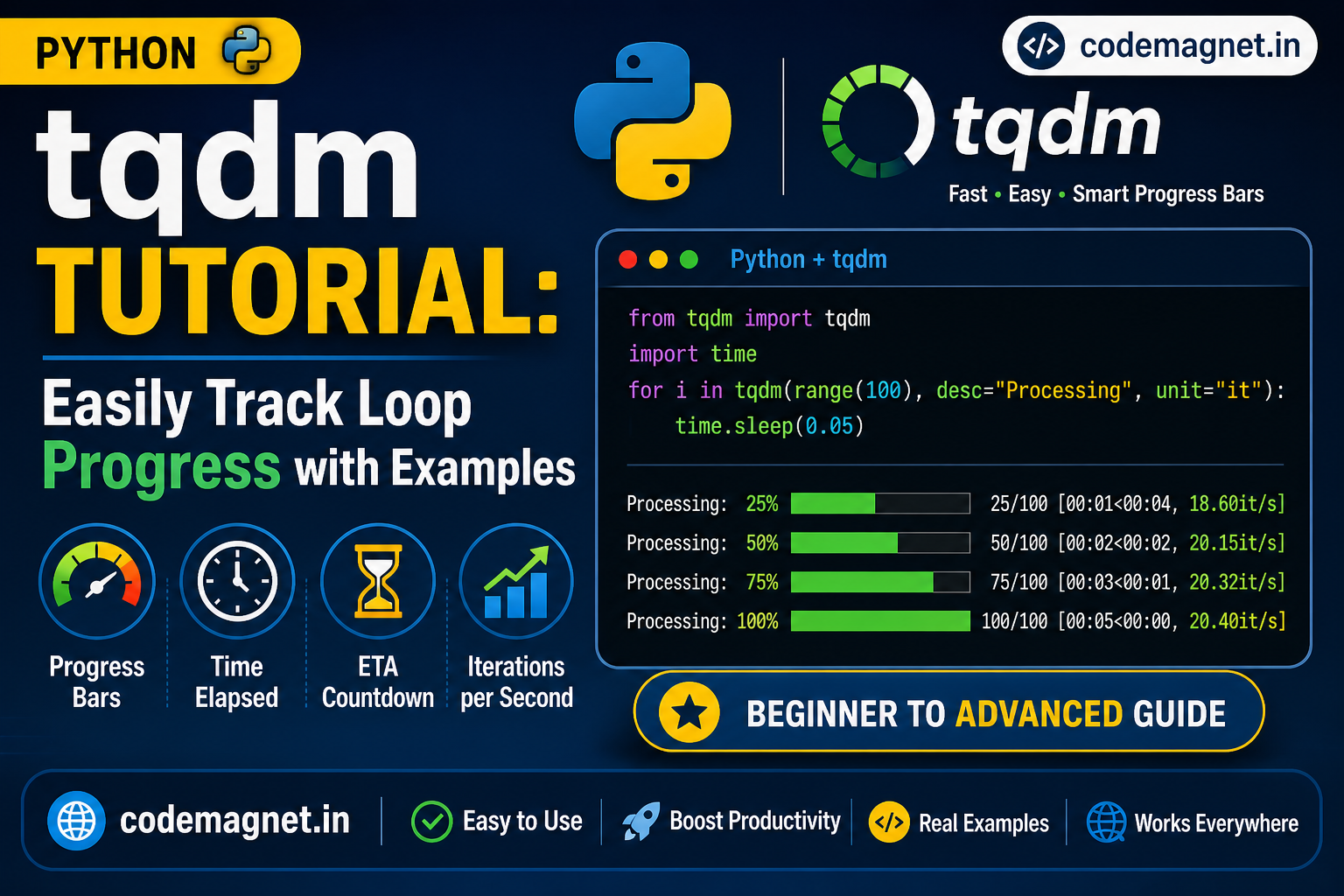
Using the Python library tqdm, we can easily create simple, yet effective, progress bars. By integrating tqdm into your code, you can enhance the user experience with minimal effort.
The Need for a Progress Bar
While working with smaller datasets, a progress bar may not seem necessary. However, when dealing with larger datasets, training models, or processing extensive data, a progress bar becomes invaluable.
A progress bar provides an estimate of how much time a task will take to complete. It reassures us that the process is still running smoothly and hasn’t encountered an unexpected termination.
Prerequisites
To use the tqdm library for creating progress bars, ensure that Python 3 is installed on your system. You can also set up a virtual environment to install tqdm separately.
Installation
To install tqdm, open your command-line terminal and run one of the following commands:
pip install tqdmIf you are using Python3 then type:
pip3 install tqdm
Using tqdm is very simple, you just need to add your code between tqdm() after importing the library in your code. You need to make sure that the code you put in between the tqdm() function must be iterable or it would not work at all.
Example:
from tqdm import tqdm


for i in tqdm(range(int(9e6))):
	pass

Now that we’ve covered how to implement tqdm, let’s explore some of its key parameters and see how they can be used to customize and enhance the progress bar.
- desc: You can use this parameter to specify the description of your progress bar as follows:
Syntax:
tqdm (self, iterable, desc= “Text You want”)
from tqdm import tqdm
from time import sleep


for i in tqdm(range(0, 100), desc ="Text You Want"):
	sleep(.1)

- total: This is used to specify the total number of expected iterations if not specified already or needs modification.
Syntax:
tqdm (self, iterable, total= 500)
from tqdm import tqdm
from time import sleep


for i in tqdm(range(0, 100), total = 500,
            desc ="Hi you can explore codemagnet !"):
    sleep(.1)
Output:

- disable: This parameter can be used if you want to completely disable the progress bar.
Syntax:
tqdm (self, iterable, disable=True)from tqdm import tqdm
from time import sleep
for i in tqdm(range(0, 100), disable = True,
desc ="Welcome to your one place to learn coding"):
sleep(.1)
print("Iteration Successful")

- ncols: This parameter is used to specify the entire width of the output message. If left unspecified it remains dynamic to the size of the window. This can be fixed through the ncols parameter.
Syntax:
tqdm (self, iterable, ncols= 100)
from tqdm import tqdm
from time import sleep


for i in tqdm(range(0, 100), ncols = 100,
            desc ="Hey Hi !"):
    sleep(.1)

mininterval: You can easily change the minimum progress display update using this option. The default is to 0.1 seconds.
Syntax:
tqdm (self, iterable, mininterval=3)from tqdm import tqdm
from time import sleep
for i in tqdm(range(0, 100), mininterval = 3,
desc ="Text You Want"):
sleep(.1)

- ascii: You can use ASCII characters to fill the progress bar as per your liking.
Syntax:
tqdm (self, iterable, ascii= “123456789$”, desc=”Text You Want”)from tqdm import tqdm
from time import sleep
for i in tqdm(range(0, 100),
ascii ="123456789$"):
sleep(.1)


- unit: The default unit of time is “it” and can be changed by using this parameter to your preferred unit.
Syntax:
tqdm (self, iterable, unit= “ ticks”)
from tqdm import tqdm
from time import sleep


for i in tqdm(range(0, 100), unit =" ticks",
            desc ="Text You Want"):
    sleep(.1)

- initial
The initial value of the progress bar starts from 0. If you wish to change this, you can use this parameter to initialize the progress bar from the value you wish
Syntax:
tqdm (self, iterable, initial=50)
from tqdm import tqdm
from time import sleep


for i in tqdm(range(0, 100), initial = 50,
            desc ="Text You Want"):
    sleep(.1)

Conclusion
The tqdm module in Python is a powerful and versatile tool that simplifies the creation of terminal progress bars, making it an essential addition to any Python developer’s toolkit. Whether you’re processing large datasets, training machine learning models, or simply iterating through lengthy operations, tqdm provides an easy-to-implement solution that enhances user experience by giving real-time feedback on the progress of your tasks.
In this guide, we’ve explored the basics of tqdm, from installation to its various usage scenarios. We’ve seen how it can be easily integrated into loops and how its customization options allow you to tailor the progress bar to suit your specific needs. The ability to add meaningful descriptions, manage nested progress bars, and utilize dynamic updates makes tqdm incredibly flexible, catering to both simple and complex use cases.
Moreover, tqdm is not just about visual appeal; it’s about making your code more interactive and user-friendly. By providing an accurate estimate of the time remaining, it helps in better managing expectations and reducing uncertainty during long-running processes. This becomes particularly valuable in scenarios where time management and user experience are critical.
Incorporating tqdm into your projects can lead to more efficient development workflows, as well as a smoother and more informed user experience. Its simplicity, combined with powerful features, makes tqdm a go-to module for developers looking to implement progress bars with minimal effort.
As you continue to explore and utilize tqdm, you’ll likely find even more ways to leverage its capabilities to improve the usability and responsiveness of your Python applications. Whether you are working on small scripts or large-scale projects, tqdm offers a reliable and effective way to monitor progress and keep your processes transparent.





Leave a Reply