
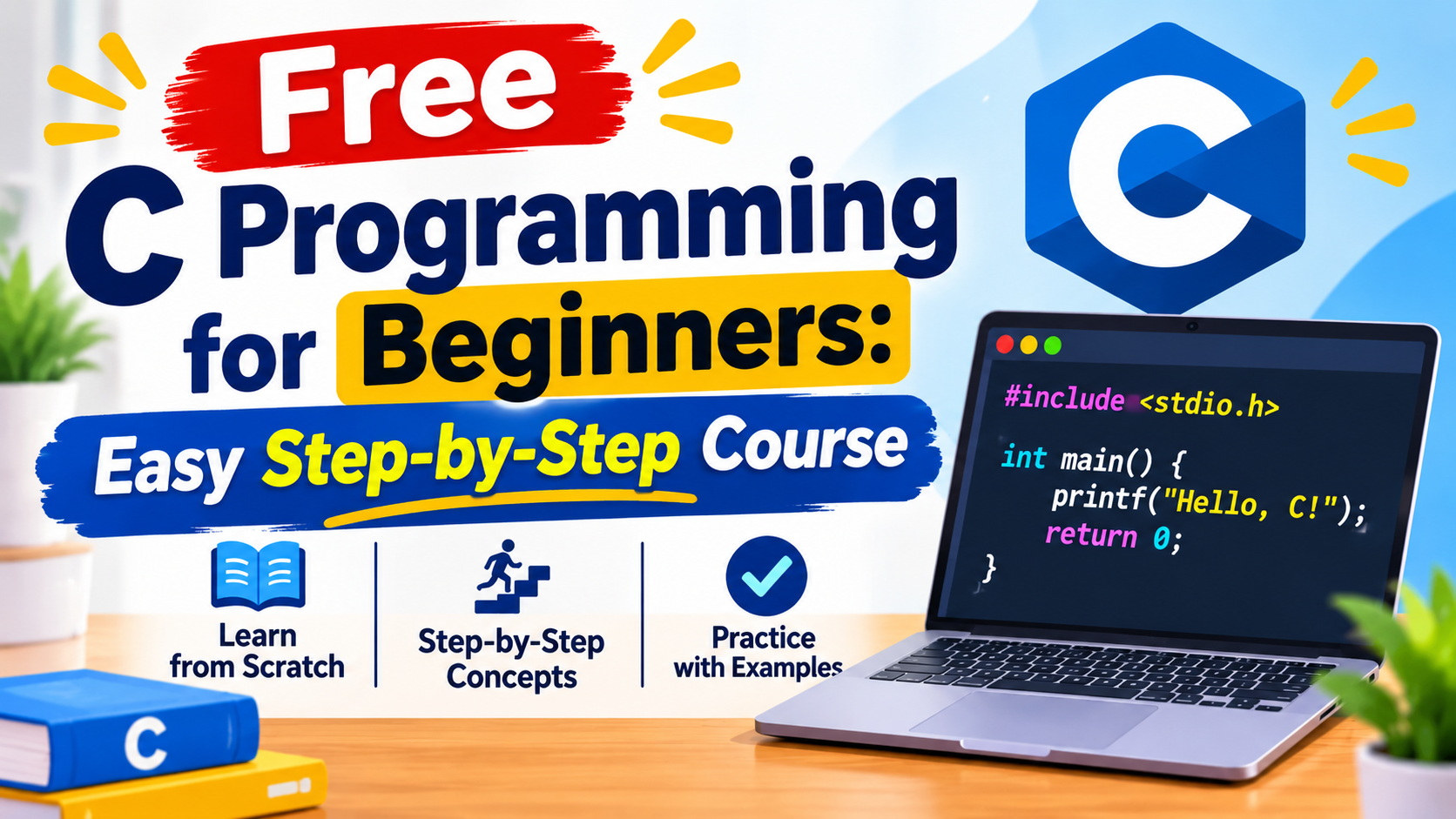
C programming for beginners starts with one simple idea: you write instructions, and the computer follows them exactly. C is one of the oldest and most trusted languages in the world. It runs operating systems, games and even the tiny chip inside your washing machine.
Learn C first and every other language, such as Python, Java or C++, becomes easier. You will understand what the computer really does behind the scenes.
This free course uses plain words and short examples. Every code block can be copied and run. By the end you will know variables, input and output, decisions, loops, arrays and functions. No experience is needed, just a computer and curiosity.
Estimated reading time: 8 minutes. Practice time: 2 hours. C programming for beginners
Lesson 1: Set Up and Write Your First C Program
Computers do not understand C directly. A compiler is a translator that turns your C text into machine code. Install a free one called GCC (Windows: MinGW or Code::Blocks, Mac: Xcode command line tools, Linux: sudo apt install gcc). You can also use any free online C compiler.

Start with the classic first program. It prints a message on the screen.
<stdio.h>int main() { printf("Hello, World!\n"); return 0;}
Here is what each line does:
#include <stdio.h>brings in tools for printing and reading.int main()is where every C program starts.printfprints text on the screen.\nmeans “go to a new line”.return 0;tells the computer everything went fine.- Every instruction ends with a semicolon
;.
Save the file as hello.c, then compile and run it:
gcc hello.c -o hello./hello
On Windows, run hello.exe instead of ./hello. You will see: Hello, World!
Lesson 2: Variables and Data Types
A variable is a labelled box that stores a value. You must tell C what kind of value the box will hold. That kind is called the data type.
<stdio.h>int main() { int age = 18; float price = 99.5; char grade = 'A'; printf("Age: %d, Price: %.1f, Grade: %c\n", age, price, grade); return 0;}
| Type | Stores | Example | Print with |
|---|---|---|---|
| int | Whole numbers | 25 | %d |
| float | Decimal numbers | 3.14 | %f |
| double | Bigger decimals | 3.14159265 | %lf |
| char | One character | ‘A’ | %c |
Naming rules: a name cannot start with a number, cannot have spaces, and capital letters matter (Age and age are different).
Lesson 3: Input, Output and Operators
Use scanf to ask the user for a value. The & sign tells C where to store it.
<stdio.h>int main() { int a, b; printf("Enter two numbers: "); scanf("%d %d", &a, &b); printf("Sum = %d\n", a + b); printf("Remainder = %d\n", a % b); return 0;}
Operators are symbols that do work for you:
- Math:
+add,-subtract,*multiply,/divide,%remainder - Compare:
==equal,!=not equal,>greater,<smaller - Combine:
&&means AND,||means OR,!means NOT
Beginner tip: with whole numbers, 7 / 2 gives 3, not 3.5, because int throws away decimals.
Lesson 4: Making Decisions with if and else
Programs must choose. Use if for “do this when something is true” and else for “otherwise”.
<stdio.h>int main() { int marks = 72; if (marks >= 80) { printf("Grade A\n"); } else if (marks >= 50) { printf("Grade B\n"); } else { printf("Try again\n"); } return 0;}
C checks the conditions from top to bottom and runs only the first one that is true. Here it prints Grade B.
Lesson 5: Loops (Repeat Without Typing Again)
A loop repeats code. Use a for loop when you know how many times, and a while loop when you do not.
<stdio.h>int main() { // for loop: print the table of 5 for (int i = 1; i <= 5; i++) { printf("5 x %d = %d\n", i, 5 * i); } // while loop: count down int n = 3; while (n > 0) { printf("%d...\n", n); n--; } return 0;}
A for loop has three parts: where to start (i = 1), when to stop (i <= 5), and how to step (i++, which means add 1).
Lesson 6: Arrays (Store Many Values Together)
Imagine you must store the marks of 5 students. Making five separate variables is slow and messy. An array is a row of boxes, all of the same type, stored side by side under one name.
Array boxes are numbered from 0, so five boxes end at index 4

Each box has a number called an index. Counting starts at 0, so the first box is marks[0] and the last is marks[4].
#include <stdio.h>int main() { int marks[5] = {85, 90, 72, 66, 94}; int sum = 0; printf("First mark: %d\n", marks[0]); marks[2] = 80; // change one value for (int i = 0; i < 5; i++) { sum = sum + marks[i]; } printf("Average = %.1f\n", sum / 5.0); return 0;}
The loop visits every box one by one and adds it to sum. The output is First mark: 85 and Average = 83.0.
Three things to remember about arrays:
- Never use an index outside the array, such as
marks[5]. C does not warn you, and the program may crash or print garbage. - A string is just a
chararray:char name[] = "Asha"; - A 2D array is a table with rows and columns:
int grid[2][3] = {{1, 2, 3}, {4, 5, 6}};
Lesson 7: Functions (Reusable Mini Programs)
A function is a named block of code you can use again and again. It can take inputs (parameters) and give back an answer (return value).
<stdio.h>int square(int x) { return x * x;}void greet(char name[]) { printf("Hello, %s!\n", name);}int main() { greet("Asha"); printf("Square of 6 = %d\n", square(6)); return 0;}
int square(int x) means: takes one whole number, returns a whole number. void means the function returns nothing. Functions keep big programs neat and easy to fix.
Practice Project: Student Marks Calculator
Now combine everything. This program reads five marks, finds the highest one and prints the average. It uses variables, an array, loops, an if and a function.
<stdio.h>float average(int marks[], int count) { int sum = 0; for (int i = 0; i < count; i++) { sum += marks[i]; } return (float) sum / count;}int main() { int marks[5]; int highest; for (int i = 0; i < 5; i++) { printf("Enter mark %d: ", i + 1); scanf("%d", &marks[i]); } highest = marks[0]; for (int i = 1; i < 5; i++) { if (marks[i] > highest) { highest = marks[i]; } } printf("Highest mark: %d\n", highest); printf("Average mark: %.2f\n", average(marks, 5)); return 0;}
Challenge: change it to 10 students, then print “Pass” if the average is 40 or more.
Frequently Asked Questions
Is C hard for beginners? C is stricter than Python, but it is small. It has few keywords, so once you know the basics you can read most C code.
How long does it take to learn C? Many beginners learn the basics in a few weeks with 30 minutes of daily practice.
Should I learn C or Python first? Python is gentler. C teaches how memory and the computer really work. Both are good starting points.
Conclusion
You have now covered the core of C programming for beginners: setup, variables, input and output, decisions, loops, arrays and functions. The best way to learn is to retype each program, change the numbers and fix the errors you meet.
Next, explore pointers, structures and file handling. Bookmark this course and come back whenever you need a quick refresher.


Leave a Reply